> ## Documentation Index
> Fetch the complete documentation index at: https://docs.probaseapp.com/llms.txt
> Use this file to discover all available pages before exploring further.
# Tips and gratuity
> Choose how customers are asked for a tip — suggested percentages, a custom amount, or not at all
## Overview
When a customer pays online, Probase can offer them the chance to add a tip on top of the invoice. You decide how that ask looks: three suggested percentages of your choosing, a plain "type any amount" box, or nothing at all.
Tipping is a business-wide setting — one choice that applies to every customer and every invoice.
Tipping is part of the online payment experience — customers only meet it through a [payment link](/billing/sending-payment-links). Money a customer hands you in person can still be logged as a tip when you [record the payment](/billing/tracking-payments).
## Where to find the setting
Click **Payments** in the sidebar under Business. Tipping lives in the **Invoice Settings** card at the bottom of the page, under the **Tips** dropdown.
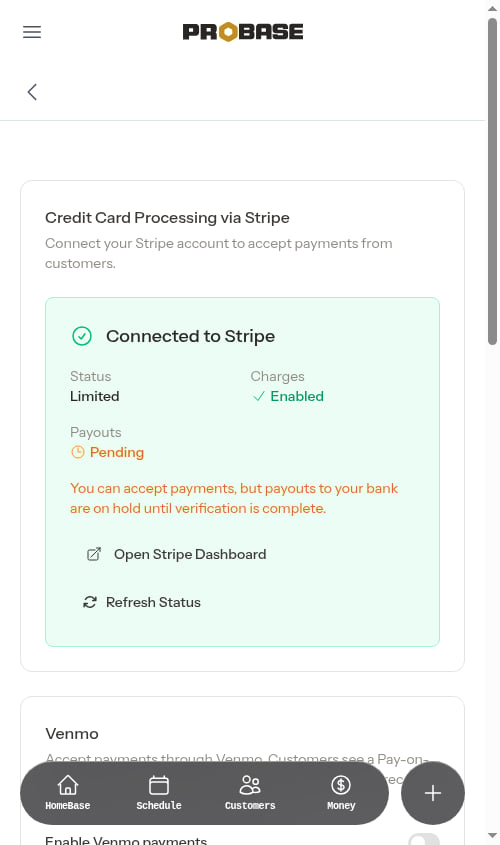 **Payments** only appears in the sidebar for the **Admin** role and the business Owner. See [Roles and permissions](/team/roles-and-permissions).
## The three tipping options
| Option | What the customer sees |
| ----------------------------------- | ------------------------------------------------------------------------------------------------------------------------------------------- |
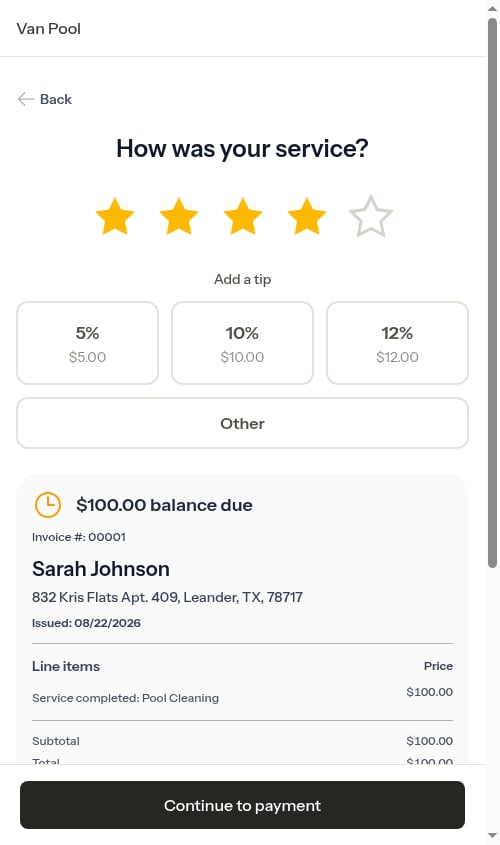
| **Suggested percentages** (default) | Three percentage buttons you choose, each showing the dollar amount it works out to, plus an **Other** button for typing a different amount |
| **Custom amount only** | A single dollar box — no suggestions, the customer types whatever they like |
| **Don't ask for tips** | Nothing. The tip section is hidden everywhere in the customer portal |
Pick an option and click **Save**. An *Invoice settings updated.* toast confirms the change.
Nothing is ever pre-filled as a tip on the review screen — a customer who doesn't want to tip just leaves the section alone and carries on to payment.
## Choosing your suggested percentages
With **Suggested percentages** selected, a **Tip percentages** row of three boxes appears underneath.
Enter three whole numbers between **1 and 100** — one per box. They have to be three *different* numbers.
Click **Save**. The *Invoice settings updated.* toast appears and your percentages are stored, always ordered lowest to highest.
**Payments** only appears in the sidebar for the **Admin** role and the business Owner. See [Roles and permissions](/team/roles-and-permissions).
## The three tipping options
| Option | What the customer sees |
| ----------------------------------- | ------------------------------------------------------------------------------------------------------------------------------------------- |
| **Suggested percentages** (default) | Three percentage buttons you choose, each showing the dollar amount it works out to, plus an **Other** button for typing a different amount |
| **Custom amount only** | A single dollar box — no suggestions, the customer types whatever they like |
| **Don't ask for tips** | Nothing. The tip section is hidden everywhere in the customer portal |
Pick an option and click **Save**. An *Invoice settings updated.* toast confirms the change.
Nothing is ever pre-filled as a tip on the review screen — a customer who doesn't want to tip just leaves the section alone and carries on to payment.
## Choosing your suggested percentages
With **Suggested percentages** selected, a **Tip percentages** row of three boxes appears underneath.
Enter three whole numbers between **1 and 100** — one per box. They have to be three *different* numbers.
Click **Save**. The *Invoice settings updated.* toast appears and your percentages are stored, always ordered lowest to highest.
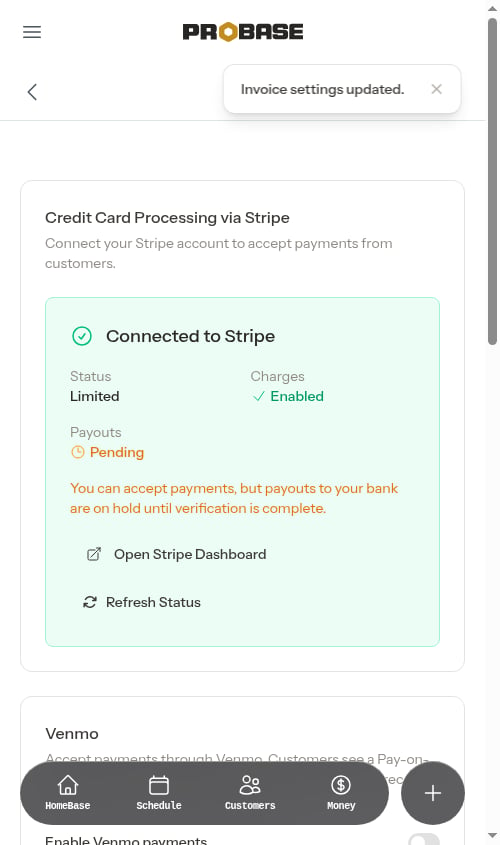 The next customer to open a payment link sees exactly the percentages you set, with the dollar amount each one works out to printed underneath.
 Until you save a set of your own, customers see Probase's built-in suggestions (in the 15–25% range). Saving once locks every customer-facing screen to your exact three.
Leave a box blank, use a number outside 1–100, or repeat the same number twice and Probase shows an error under the field instead of saving.
Switching to **Custom amount only** or **Don't ask for tips** doesn't erase your percentages. Switch back to **Suggested percentages** later and your saved numbers are still there.
## Where customers meet the tip question
Which screen asks depends on whether you [require a star rating before payment](/billing/service-ratings):
* **Rating required (the default)** — the tip is asked on the **"How was your service?"** screen, appearing right after the customer picks their stars.
* **Rating turned off** — the tip sits directly above the payment form on the invoice page, and the **Pay** button total updates as the customer changes it.
* **The payment link page** — a customer paying down their whole balance rather than a single invoice sees an **Add a tip (optional)** row with a **No tip** button alongside your percentages. (**No tip** is always available there, and 20% starts selected only when 20% happens to be one of your three.)
In **Custom amount only** mode, each of those screens shows a plain dollar box instead of the buttons.
## After the tip is paid
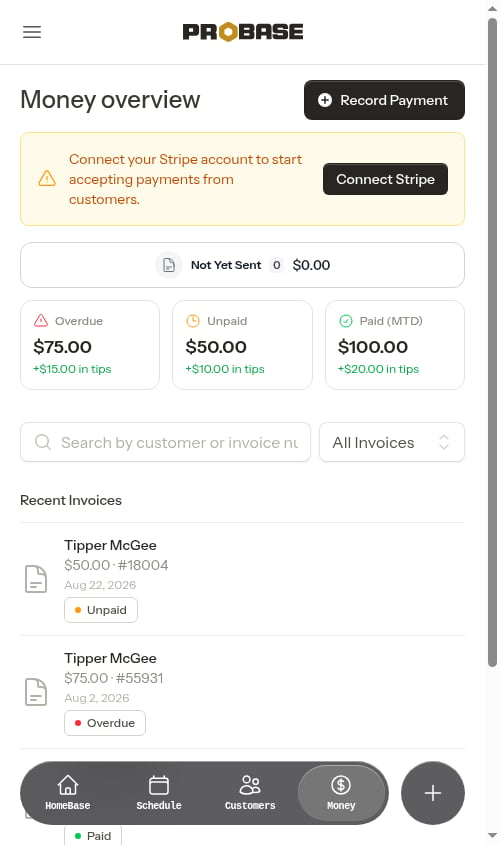
A tip becomes its own **Tip** entry in the customer's billing history once the payment goes through, so it never gets confused with the service charge. Tip totals also roll up on your [Money overview](/billing/money-overview) — each summary card shows how much of that total came from tips.
Until you save a set of your own, customers see Probase's built-in suggestions (in the 15–25% range). Saving once locks every customer-facing screen to your exact three.
Leave a box blank, use a number outside 1–100, or repeat the same number twice and Probase shows an error under the field instead of saving.
Switching to **Custom amount only** or **Don't ask for tips** doesn't erase your percentages. Switch back to **Suggested percentages** later and your saved numbers are still there.
## Where customers meet the tip question
Which screen asks depends on whether you [require a star rating before payment](/billing/service-ratings):
* **Rating required (the default)** — the tip is asked on the **"How was your service?"** screen, appearing right after the customer picks their stars.
* **Rating turned off** — the tip sits directly above the payment form on the invoice page, and the **Pay** button total updates as the customer changes it.
* **The payment link page** — a customer paying down their whole balance rather than a single invoice sees an **Add a tip (optional)** row with a **No tip** button alongside your percentages. (**No tip** is always available there, and 20% starts selected only when 20% happens to be one of your three.)
In **Custom amount only** mode, each of those screens shows a plain dollar box instead of the buttons.
## After the tip is paid
A tip becomes its own **Tip** entry in the customer's billing history once the payment goes through, so it never gets confused with the service charge. Tip totals also roll up on your [Money overview](/billing/money-overview) — each summary card shows how much of that total came from tips.
 ## Related
* [Service ratings](/billing/service-ratings) — decides which screen asks for the tip
* [Payment terms and due dates](/billing/payment-terms) — due dates and past-due wording, in the same card
* [Customer payment portal](/customers/customer-portal) — the full customer-side walkthrough
* [Recording payments](/billing/tracking-payments) — logging tips paid in cash or by check
## Related
* [Service ratings](/billing/service-ratings) — decides which screen asks for the tip
* [Payment terms and due dates](/billing/payment-terms) — due dates and past-due wording, in the same card
* [Customer payment portal](/customers/customer-portal) — the full customer-side walkthrough
* [Recording payments](/billing/tracking-payments) — logging tips paid in cash or by check