Overview
Business reports gives you the big-picture numbers for your business over any period. Open it from Money — tap Business reports under Payment history.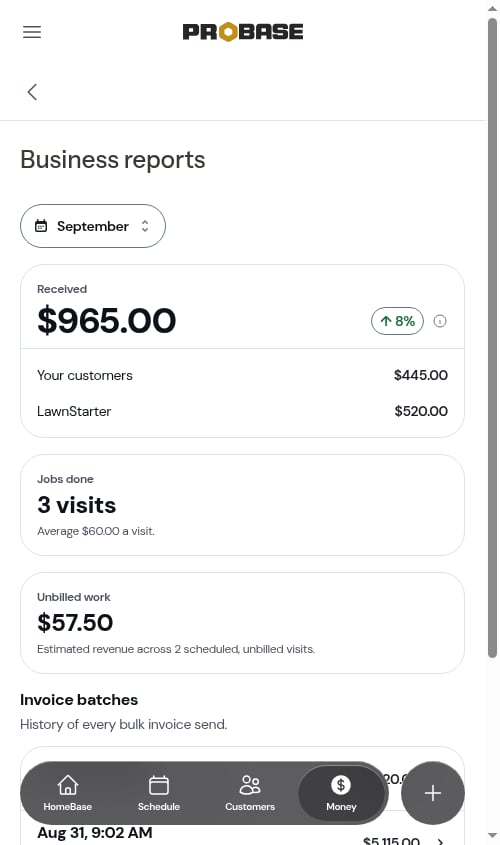
Pick a period
The chip at the top sets the period, and it’s the same period you picked on Money — change it here and Money, the Invoices list, and the Payments list follow. This month is where it starts each day. Every figure on the page follows it except the invoice batches list. See Your period follows you.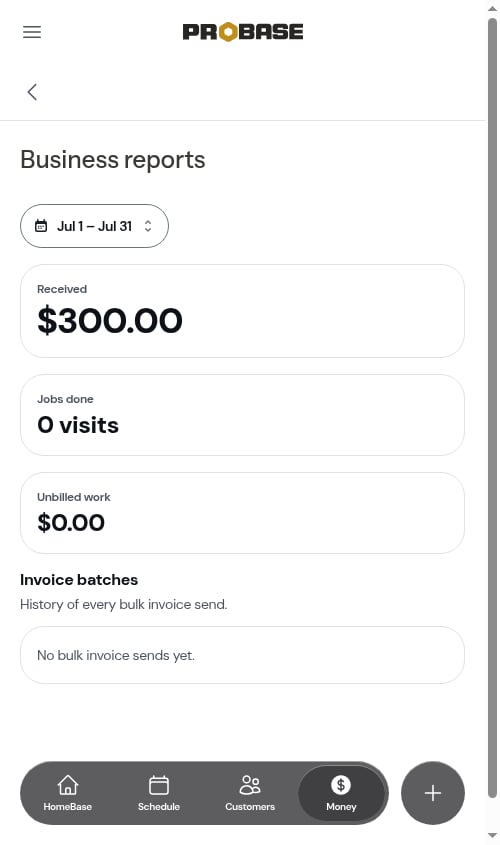
Received
The big figure is everything that came in during the period. If you’ve connected a marketplace, it’s split into Your customers and one row for each marketplace you’ve connected (for example LawnStarter) — the same split as the Money card. Without a connected marketplace, there’s no split. Next to it, a small pill shows how this compares with the period before — ↑ 8% when you took in more, ↓ 8% when less. Tap the ⓘ beside it to see exactly what it compares against — for example “Compared with Aug 1 – Aug 31, the 31 days before this period.” A custom range is compared with the same number of days just before it.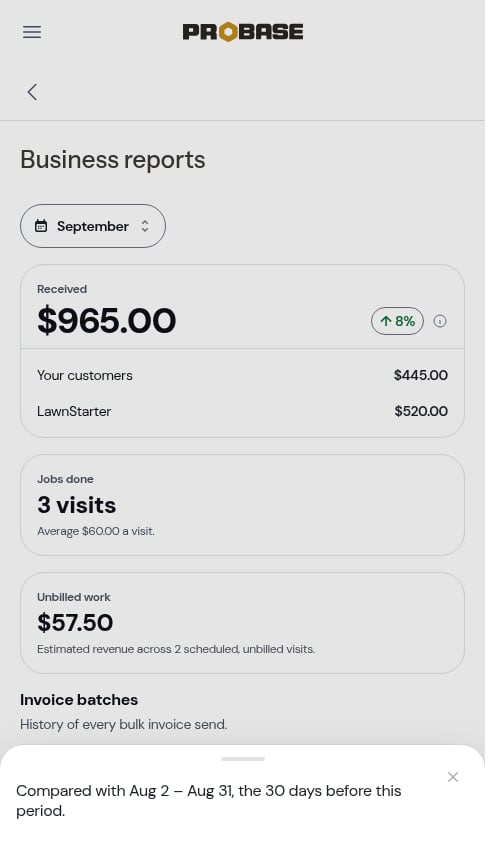
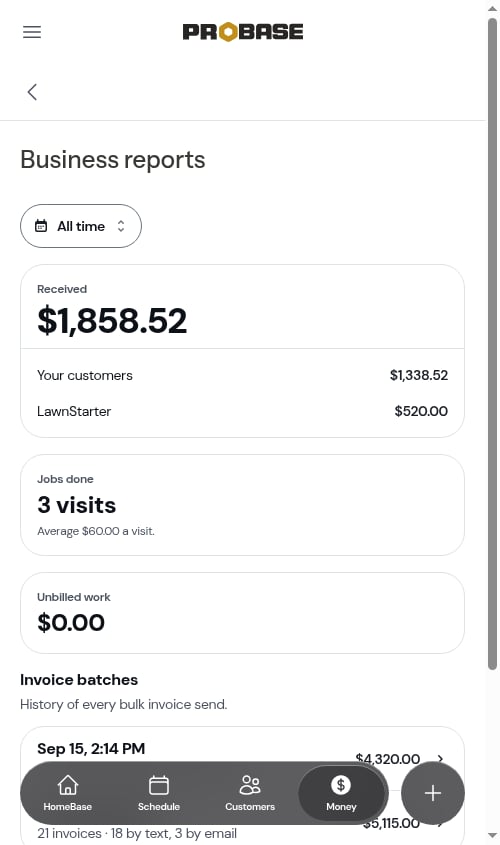
Jobs done
How many visits were completed in the period, marketplace visits included. Underneath, Average $60.00 a visit is worked out from your own jobs’ prices — marketplace payouts aren’t counted in the average.Unbilled work
An estimate of what the visits still scheduled in the period will bill once they’re completed, based on each job’s price and any charges added to the visit.Invoice batches
A history of every time you sent invoices in a batch, newest first — for example Sep 15, 2:14 PM · 18 invoices · 16 by text, 2 by email with the total. Tap one to open its Send results. If you’ve never sent a batch, it reads No bulk invoice sends yet.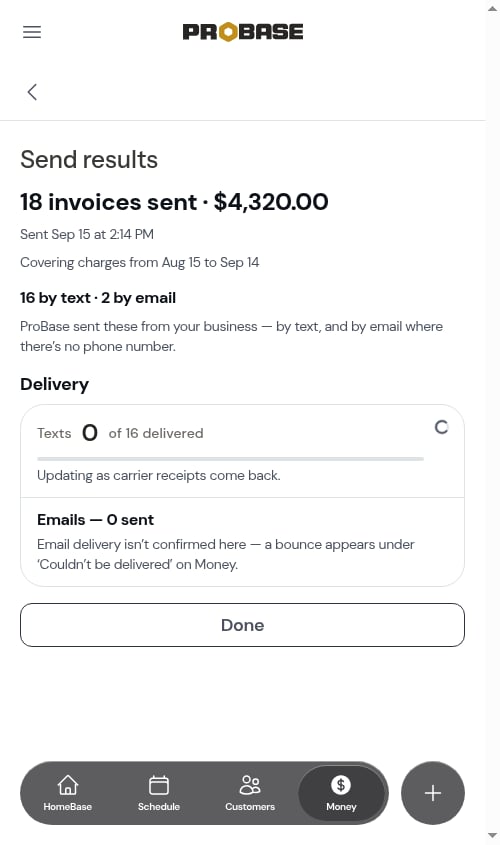
Business reports is part of Money, so it’s available to team members whose role can see money. See Roles and permissions.