Overview
Every completed job visit has a page of its own that the customer can open — no login, no account, just the link you sent them. It’s headed Your service today and it’s deliberately short: what you did, the photos, anything your checklists recorded, a place to rate you, and the bill if one rode along.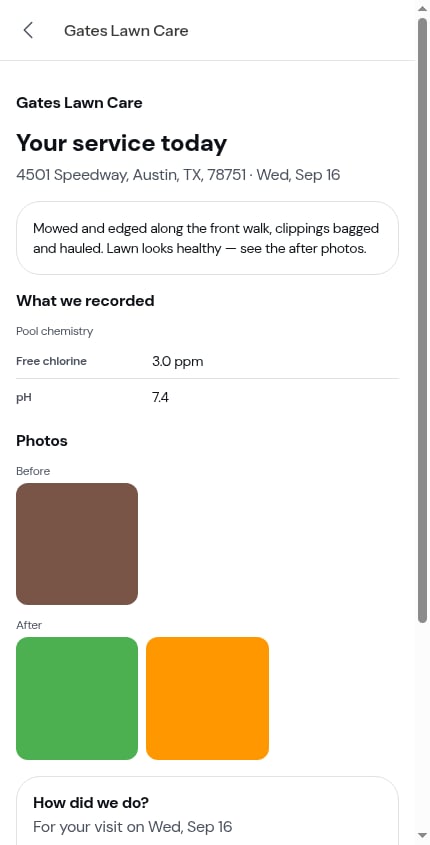
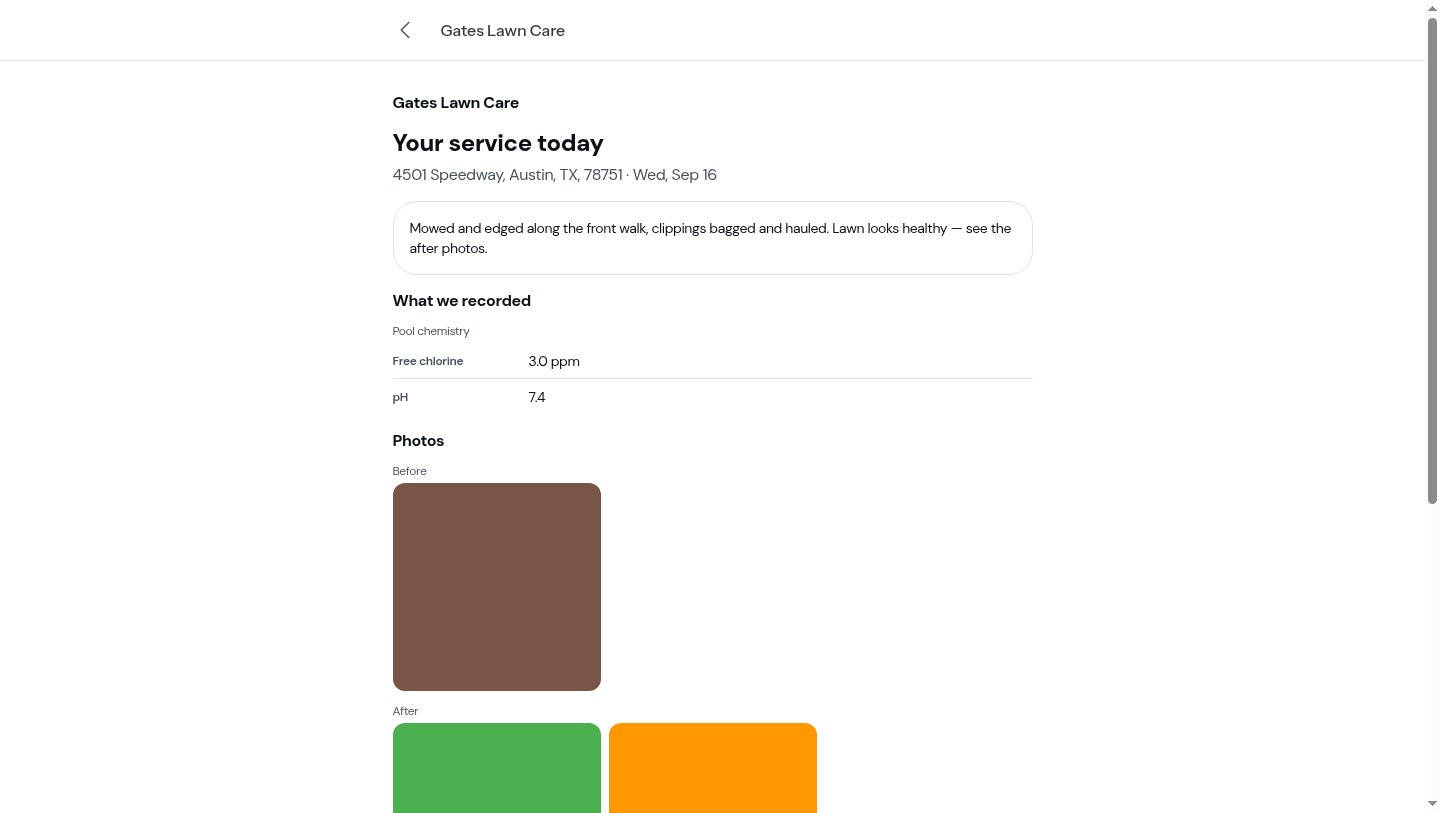
The link never expires, so a customer can go back to it whenever they like — and from the page they can reach the rest of their portal.
What’s on the page
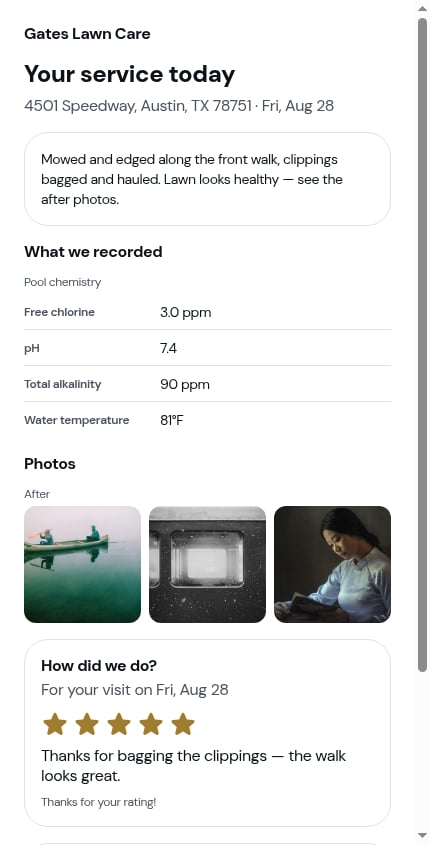
Top to bottom:- Your business name, then Your service today, then the property address and the date of the visit
- A summary of the work, in plain language — this is the Customer notes you wrote when completing the visit. A visit you finished without writing any simply has no summary block
- What we recorded — the checklist answers you marked for the customer summary, grouped under the checklist they came from (chemical readings, completed tasks, a signature shown as Signed by customer)
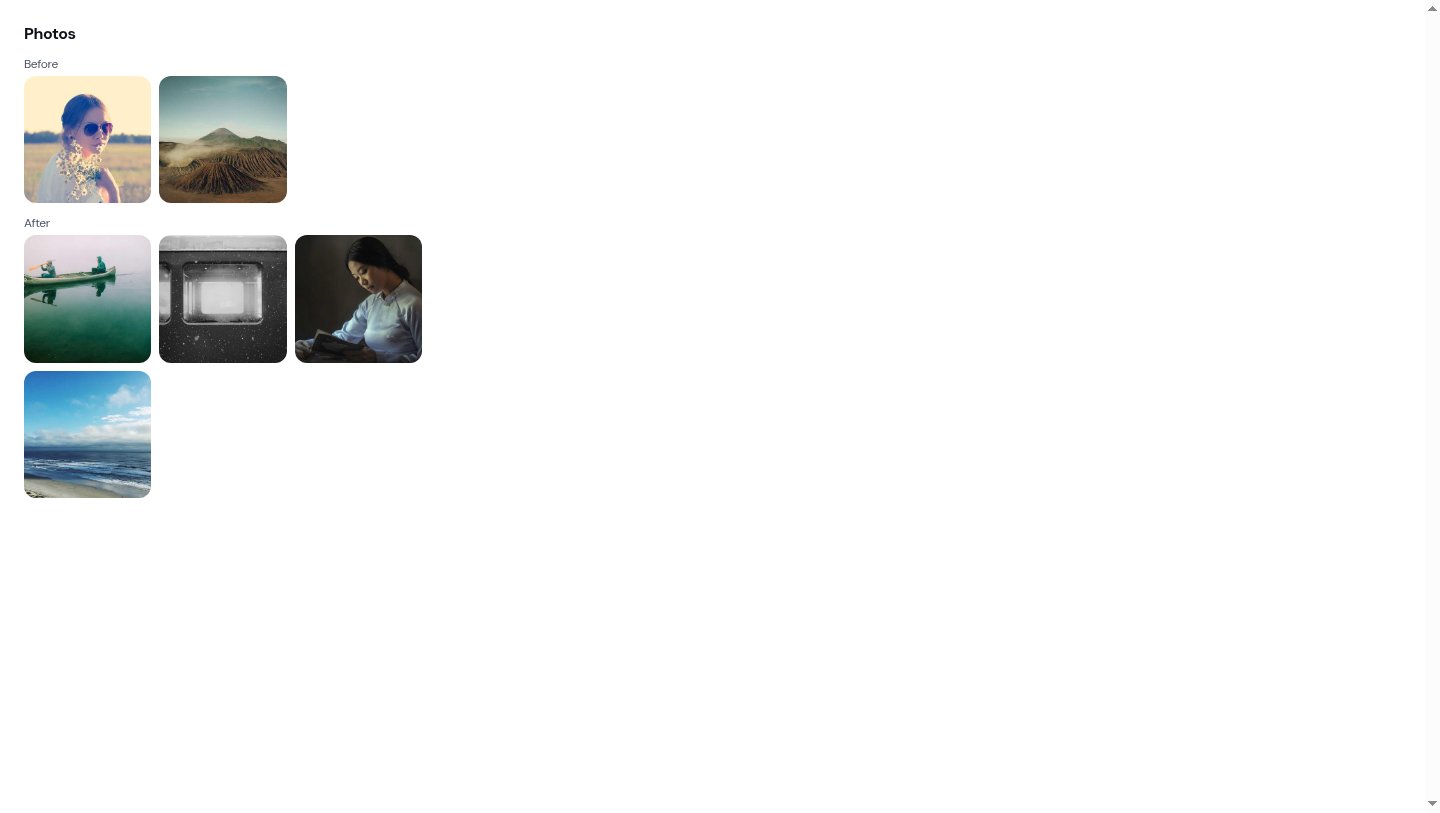
- Photos — the After photos, and the Before photos above them if you included them when sending. Each group has its own heading and its own grid; every photo appears once
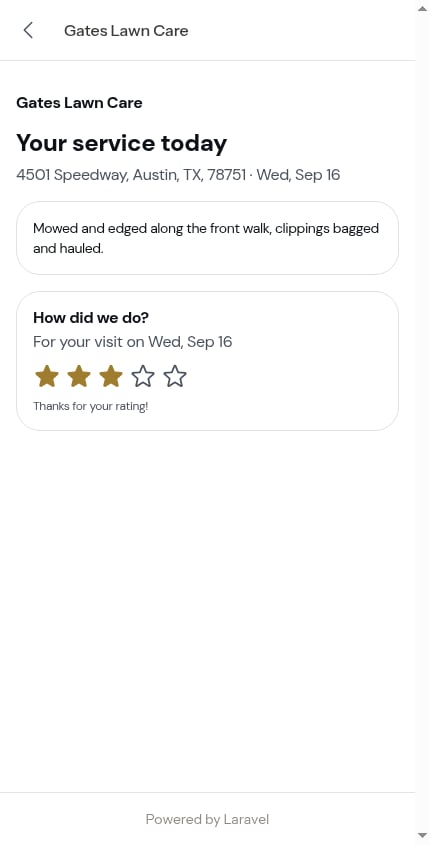
- How did we do? — the rating
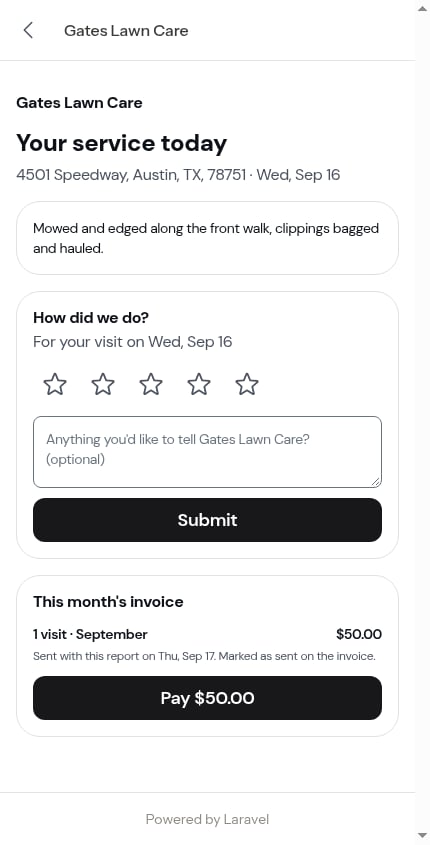
- This month’s invoice or Outstanding balance — only when you sent the bill with the report
Rating the visit
The How did we do? card sits near the bottom: five stars, an optional comment box (Anything you’d like to tell [your business]? (optional)), and a Submit button. The sub-line names the visit — For your visit on Fri, Aug 28 — so a customer with several reports open always knows which one they’re rating.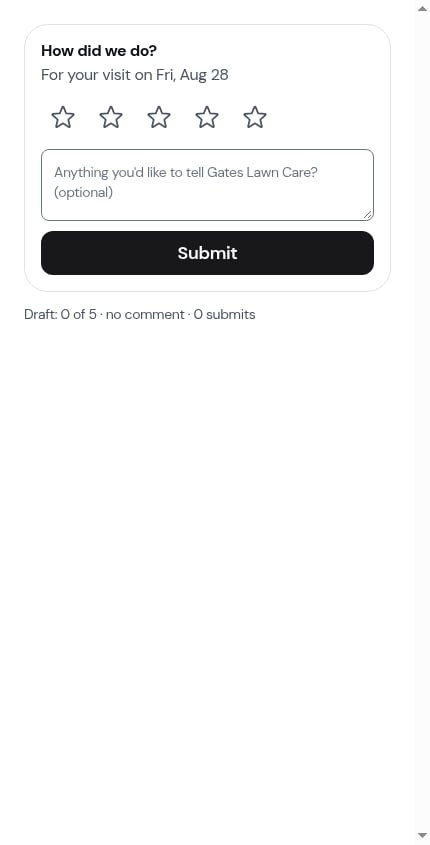
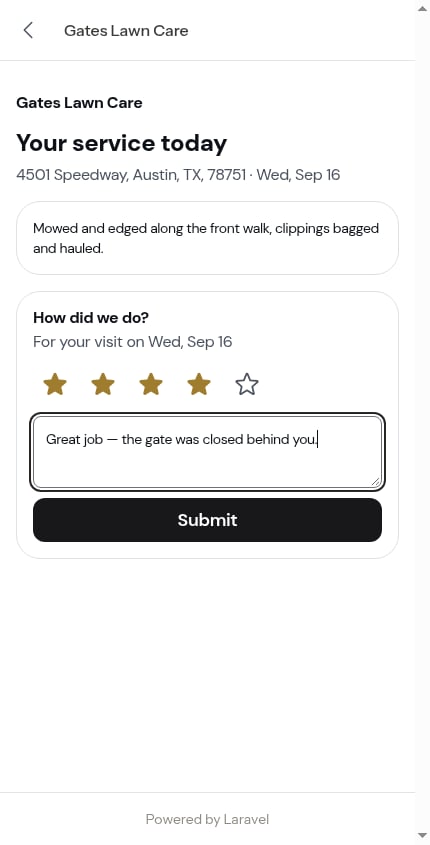
A rating is submitted once, then locked
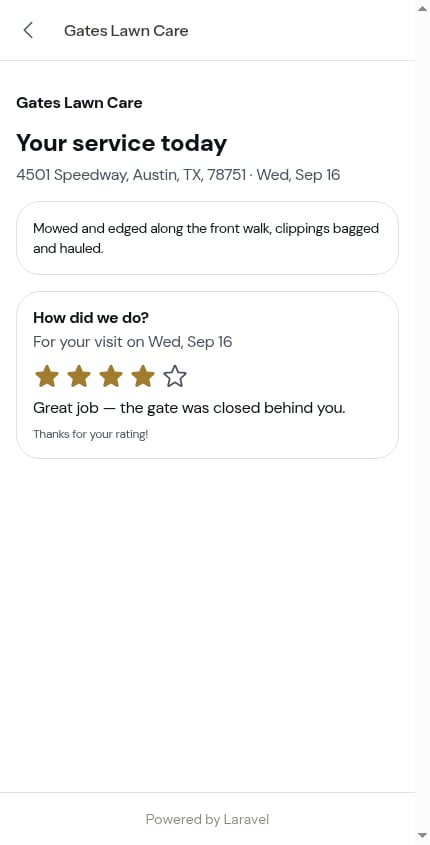
Once submitted, the card changes for good: filled stars, the comment as plain text, and Thanks for your rating! underneath. There’s no form any more — reloading the page, or opening the link again next week, shows the same locked card.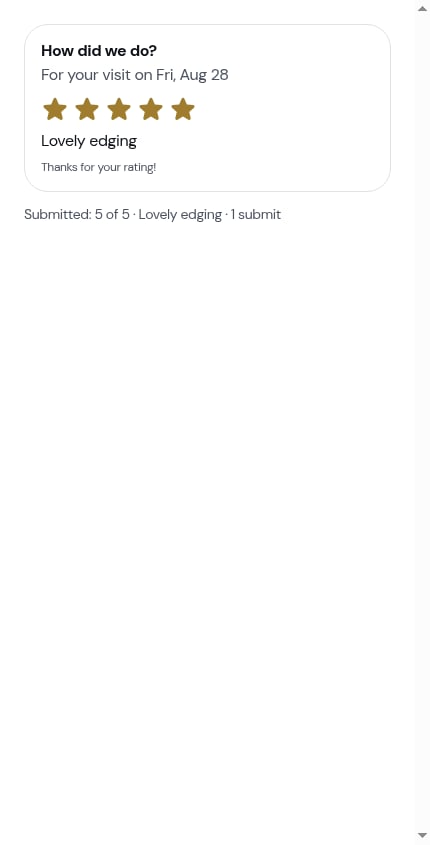
Paying from the report
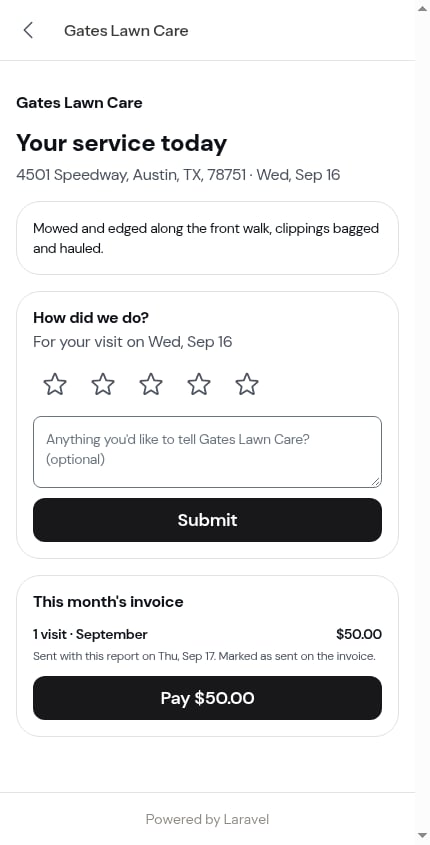
If you turned the invoice switch on when sending, the report ends with a bill card:- This month’s invoice — 4 visits · August, the amount, and a solid Pay $[amount] button opening their invoice page
- Outstanding balance — July invoice · unpaid, the amount, and the same button
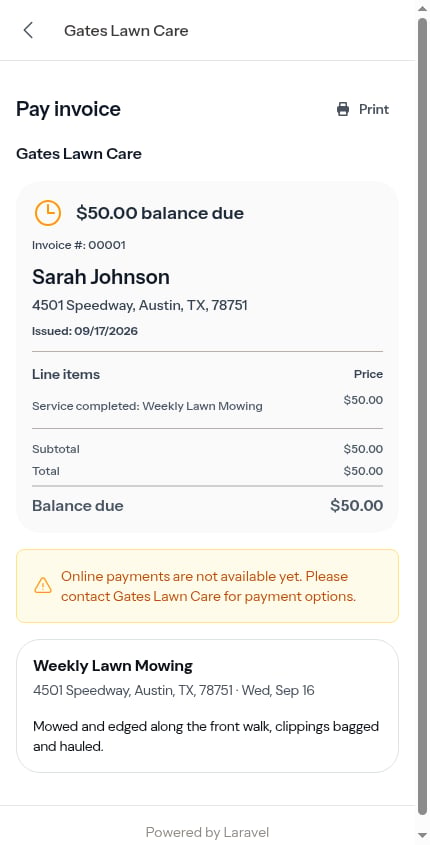
Paying from a report they’ve already rated skips the “How was your service?” screen: they’ve rated once, so they go straight to the tip question (or straight to paying). See Service ratings.
Finding old reports
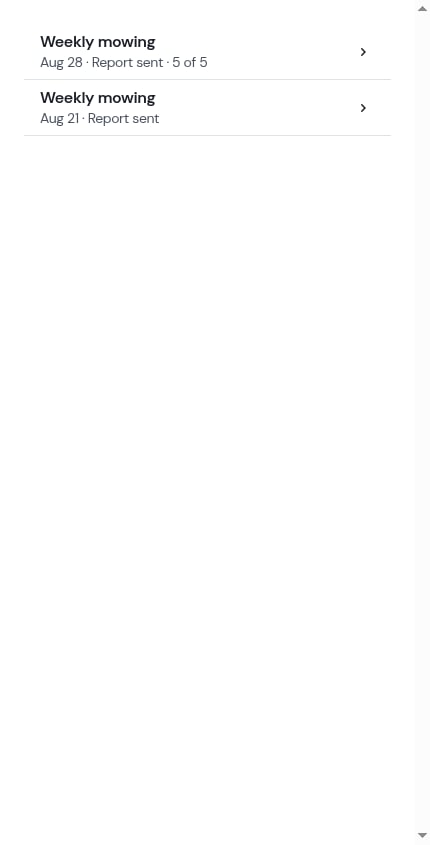
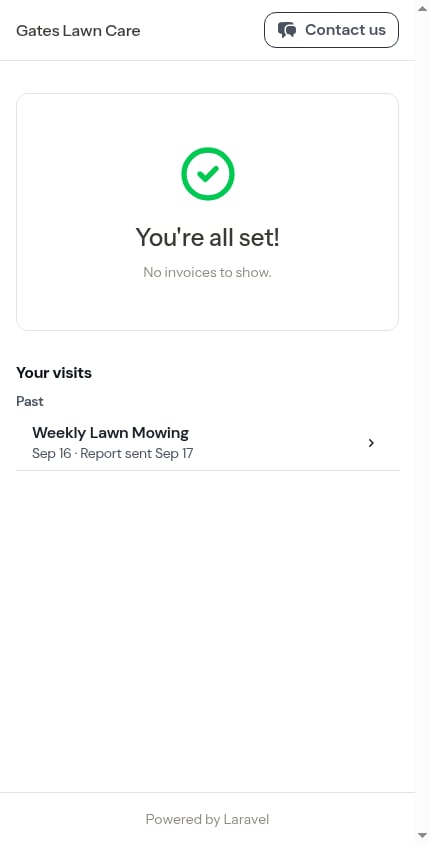
The customer doesn’t have to keep the text. Their portal home carries a Your visits section listing their visits by service — Upcoming above Past — and every past visit whose report you sent opens straight back to this page.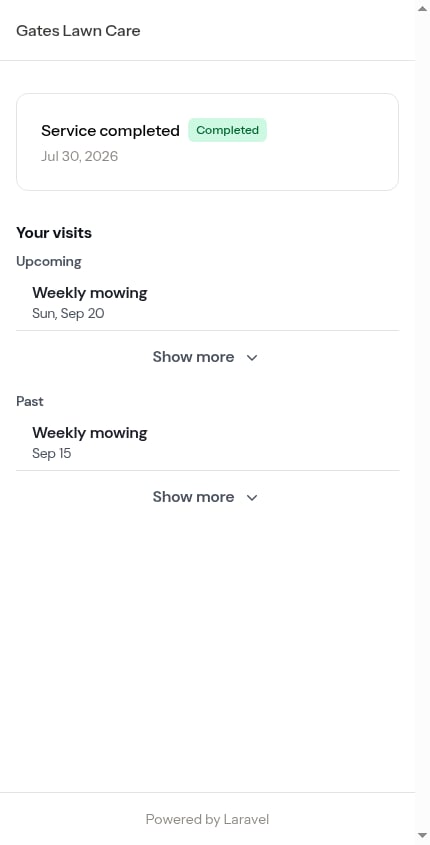
Getting back and getting in touch
Every page under the customer’s portal link carries the same header: your business name, a back chevron to their portal home (on every page but the home itself), and a Contact us button.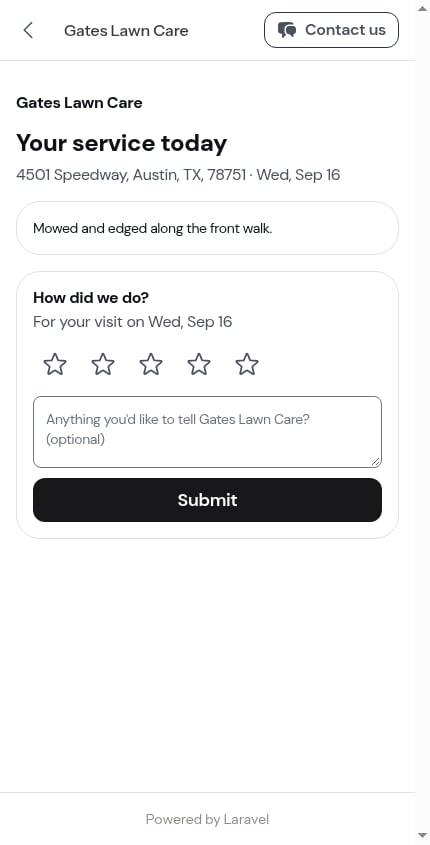
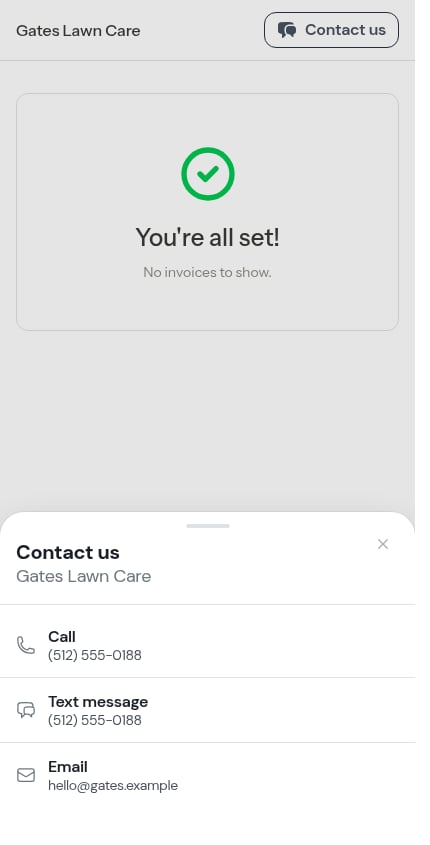
The header is hidden when the customer prints — see Printing invoices.
What the report never shows
The report is the customer’s view, not yours. It never carries:- Your private visit notes — only the Customer notes you wrote for them
- Your timer, the working windows, or how long the visit took
- Costs, margins, or your crew’s names
- Checklist answers you didn’t mark for the customer summary
Next steps
- Sending the service report — your side of the same flow
- Customer payment portal — invoices, payment and the rest of the portal
- Completing a visit — where the summary and photos come from
- Building checklists — choosing what lands under What we recorded