Open a customer’s page
- Go to Customers in the sidebar
- Search for the customer by name, phone, or email
- Tap their name to open their page
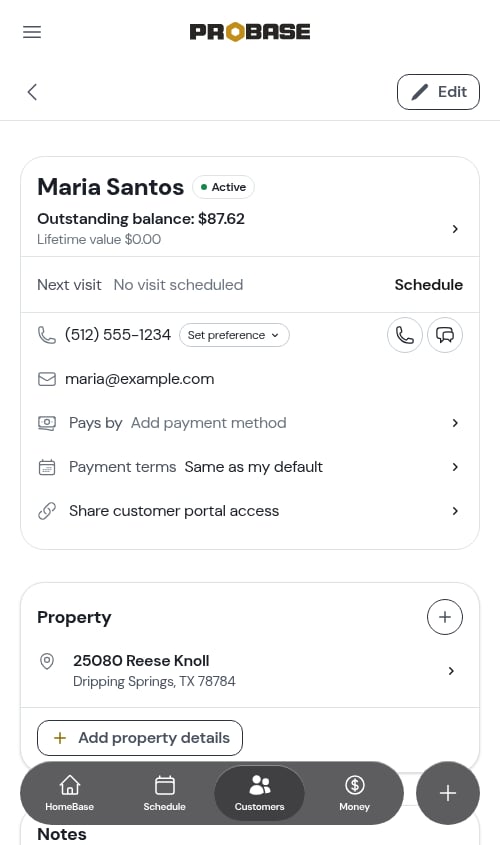
The top card
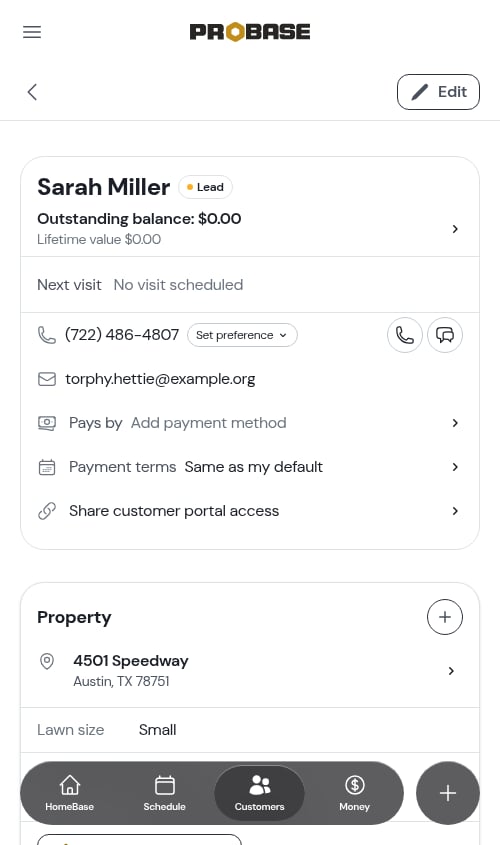
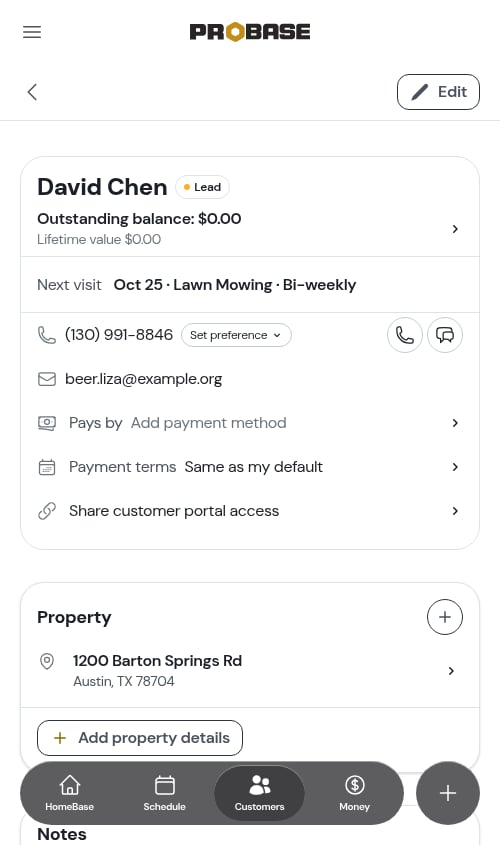
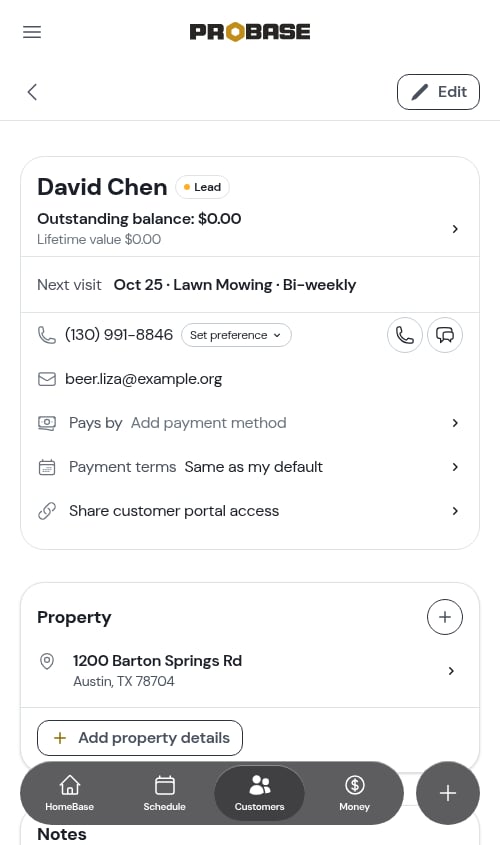
The card at the top of the page holds everything you need at a glance. The customer’s status — Lead or Active, or a grey Archived badge once you’ve archived them — sits as a coloured badge beside their name. Below that:- Outstanding balance and Lifetime value — plus Deposits held · $500.00 when the customer has paid deposits not yet added to an invoice — tap the row to open the full billing history
- Next visit — the customer’s next scheduled visit, tappable to open it. If nothing is booked it reads No visit scheduled with a Schedule button beside it
- Phone and email — tap to call, text, or email
- Pays by — how this customer usually pays
- Payment terms — when this customer’s invoices are due
- Share customer portal access — sends the customer a link to their own portal
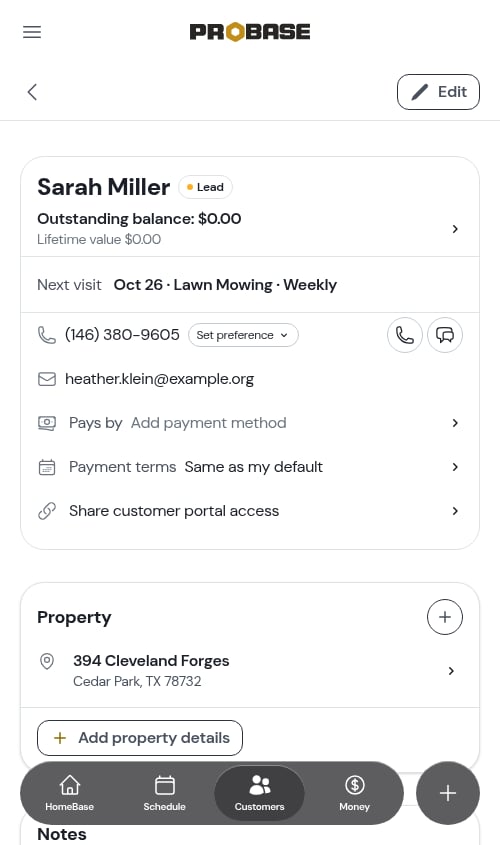
If your role isn’t allowed to see customer contact details or money, those rows are left out of the card — see Roles and permissions.
Which rows open something? On a computer, resting your pointer on a row shades it and turns the cursor into a hand when that row goes somewhere — and a small › arrow on the right edge marks the rows that open a full page. Rows without either are just information.
Contact preference
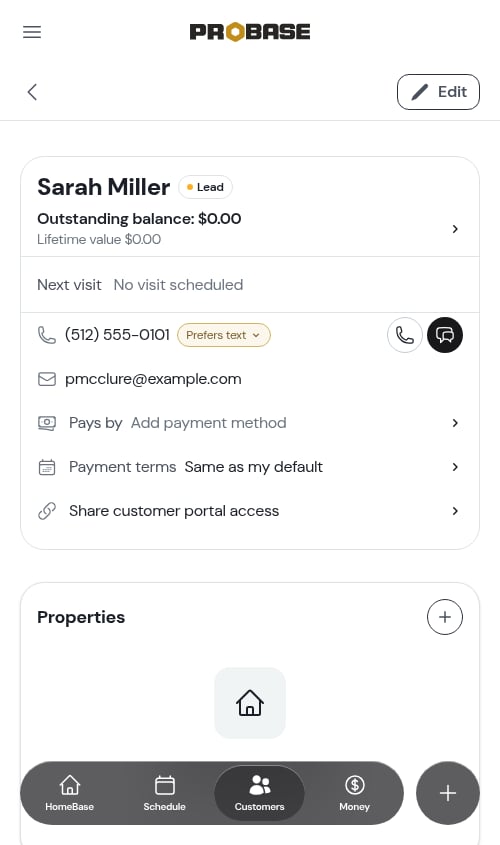
The phone row carries a small pill showing how the customer likes to be reached. If nobody has set one yet it reads Set preference. Tap it to choose Prefers calls, Prefers text, or No preference.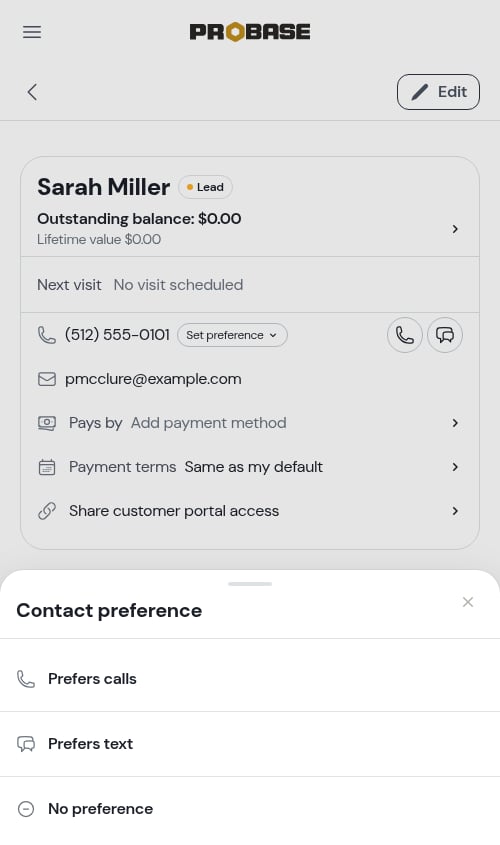
Pays by
The Pays by row records how this customer normally pays, so whoever is on site knows what to expect. Tap it and pick Cash, Check, Credit Card, Venmo, Zelle, Cash App, PayPal, Bank Transfer, or Other — the same list, in the same order, as when you record a payment.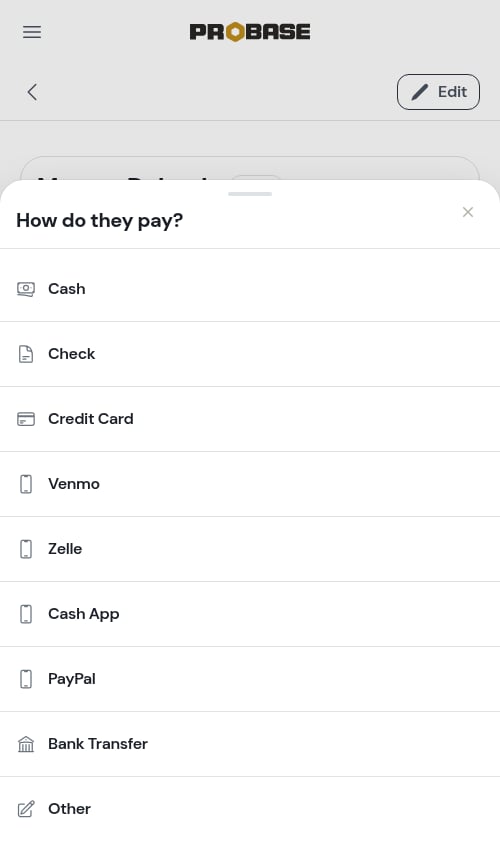
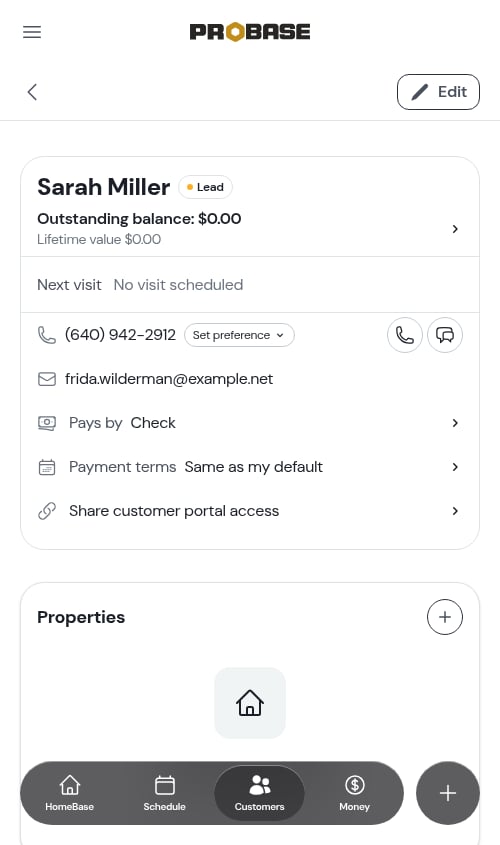
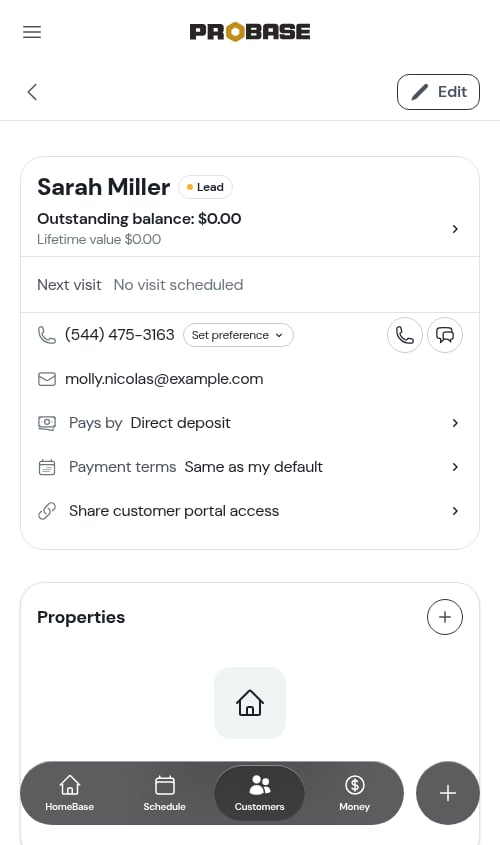
If your team is connected to Stripe and the customer has a saved card, the row shows Card on file with Stripe automatically — you don’t set that one yourself, and ProBase never shows card details.
Properties
The Properties card lists every location you work at for this customer. Tap a row to open that property’s page. The + button beside the heading adds a new property.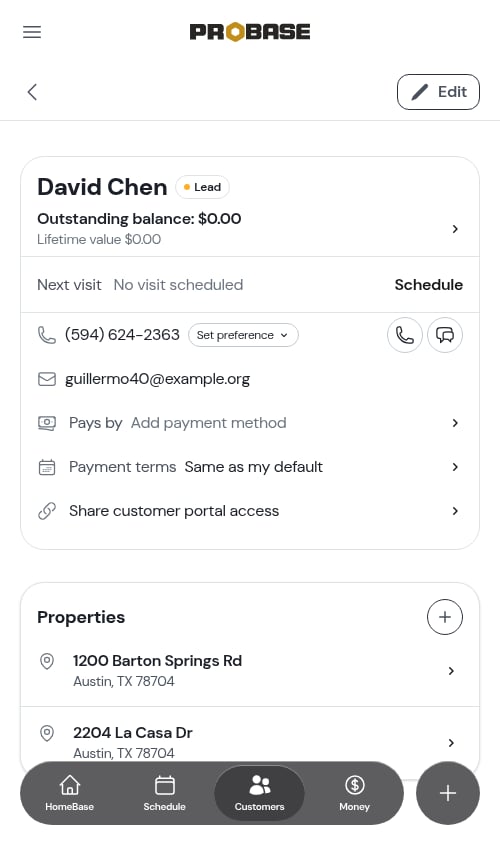
One property vs several. For a customer with a single property, the Notes, Services, and Visits cards all appear on the customer page. For a customer with several, those cards live on each property’s page instead — tap the property you’re interested in.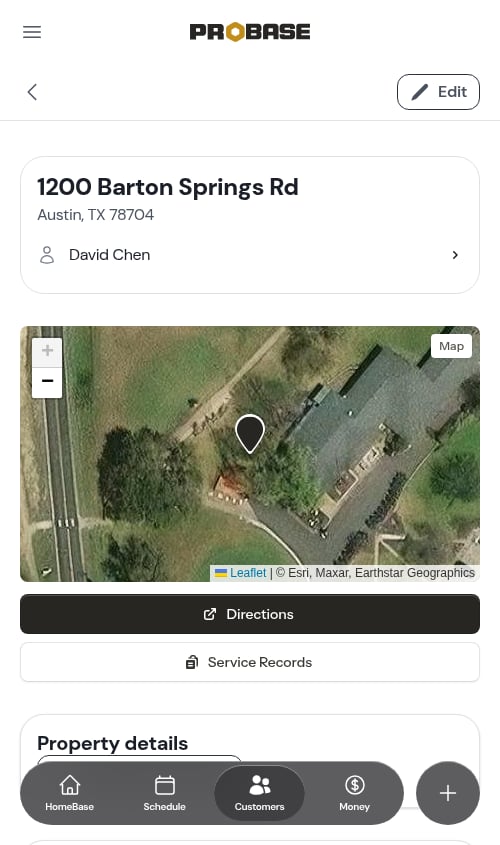
Notes
The Notes card has a Customer tab and a Property tab, so you can keep general information about the person separate from access details for the location.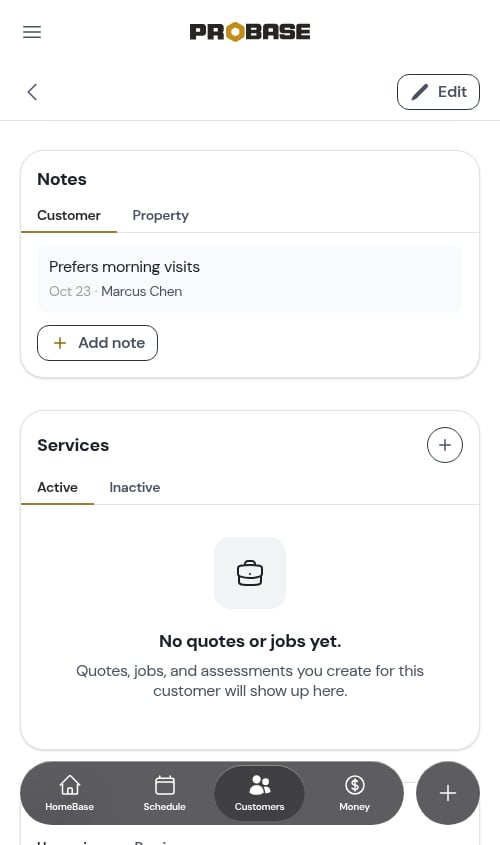
Services
The Services card lists every piece of work on the account — jobs, quotes, and assessments — split across two tabs:- Active — jobs currently running, plus draft and sent quotes and assessments
- Inactive — completed and cancelled jobs, quotes that were accepted, declined, or have expired, and assessments that were declined or cancelled
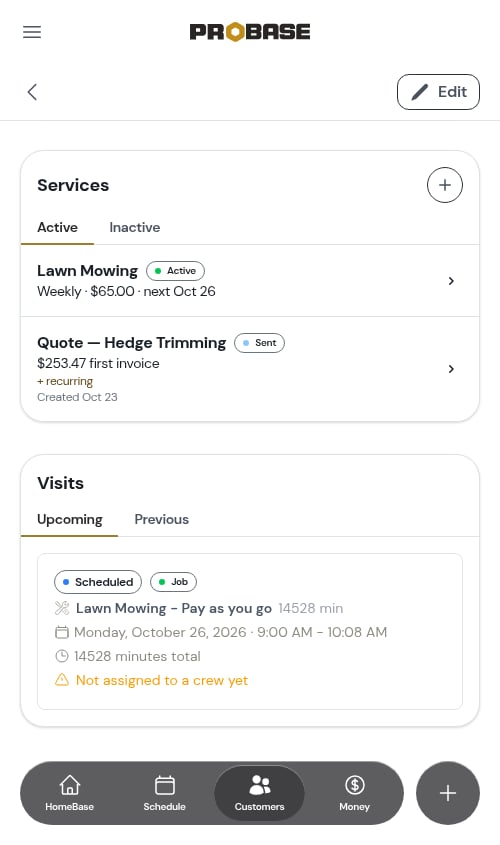
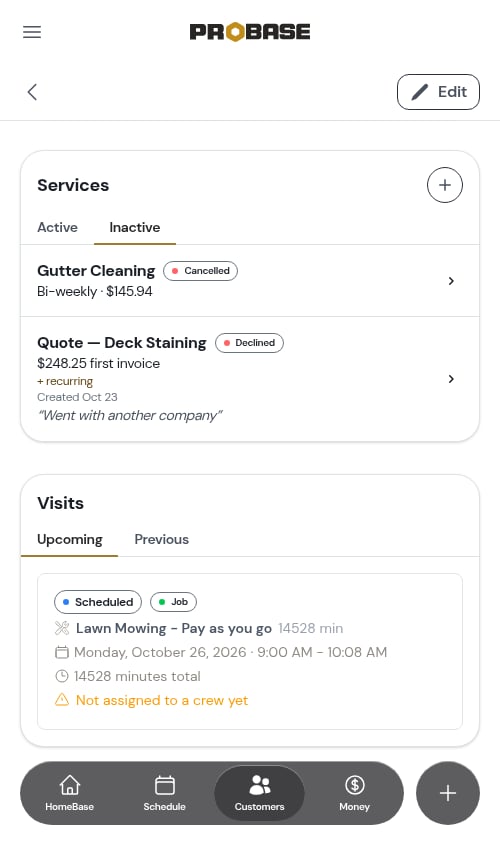
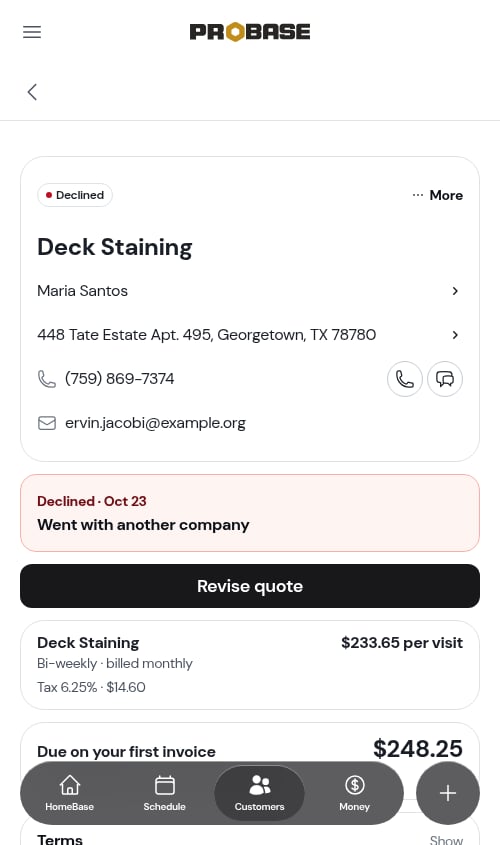
Once a customer accepts the quote tied to an assessment, that assessment drops off both tabs — the resulting job already represents the same work, so showing both would double it up. Draft, sent, and declined assessments stay in the list.
Visits
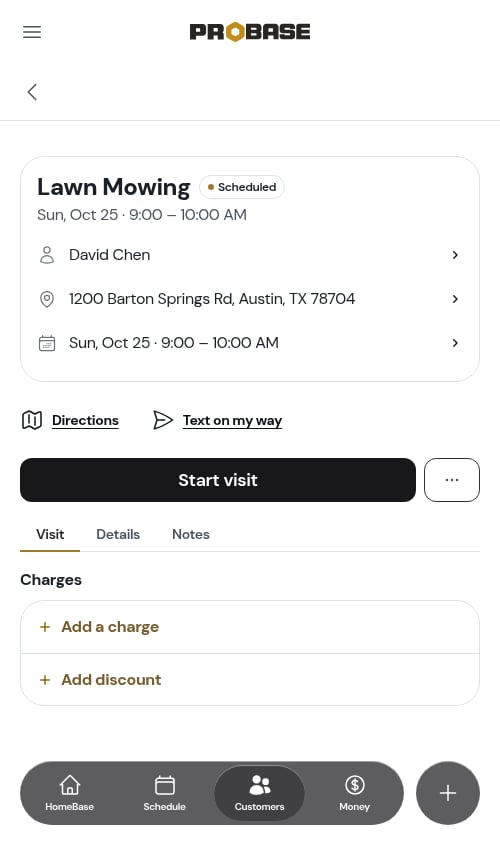
The Visits card shows individual appointments, with Upcoming (soonest first) and Previous (most recent first) tabs.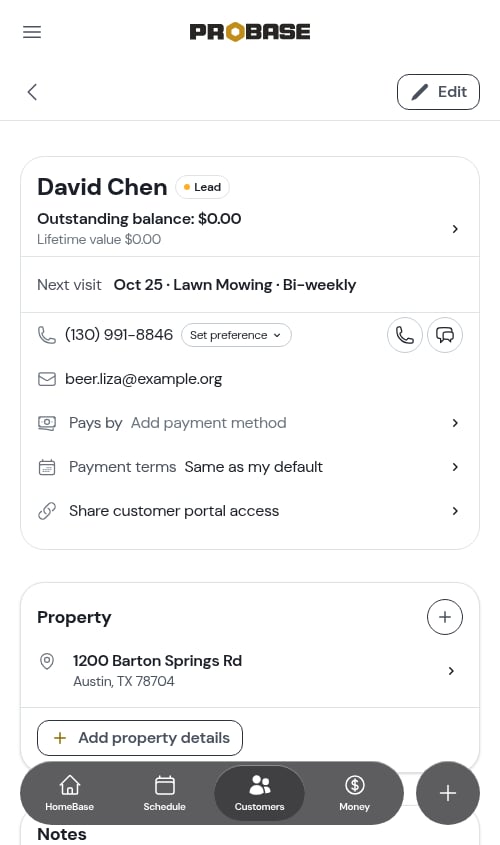
Payment terms
The Payment terms row reads Same as my default until you change it. Tap it to give this one customer their own terms — for example Net 30 for a commercial account — or put them back on Same as my default. It applies to this customer’s new invoices; ones you’ve already sent keep their due date. See Payment terms and due dates.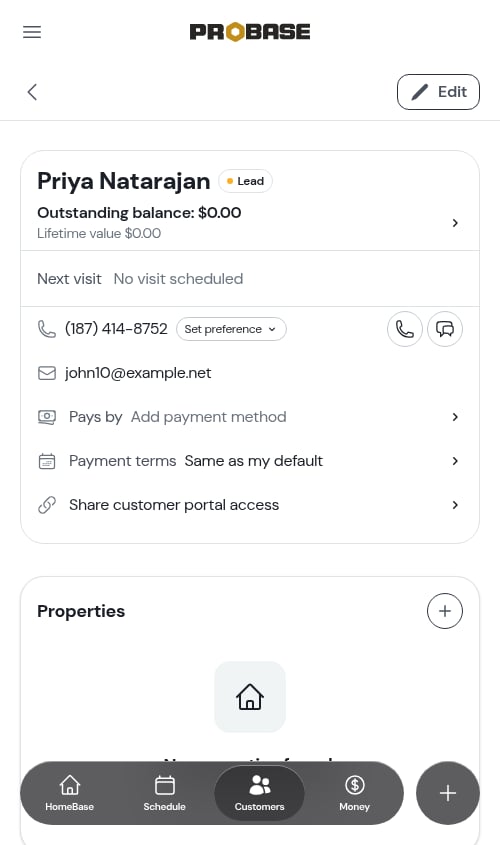
Billing
Tap the Outstanding balance row in the top card to open the customer’s full billing history. It opens with a period chip and a search icon at the top, an Unbilled block listing charges that are Not invoiced yet, and tabs for Invoices, All activity, Payments, and Credits. Charges, credits, and payments aren’t added from this page. Add a charge or credit on the customer’s invoice, and record a payment with Record payment from Money, the invoice, or a completed visit. See Customer balances and Recording payments.If a customer has been archived, their page becomes read-only — the Edit button and the + buttons are removed, but you can still review their full history and billing. Their invoices and balance stay exactly as they were, and their billing history wears an Archived customer tag.